
GIF vs MP4: Why GIFs Are 10x Larger
By Mark Fulton · 2026-08-09 · 2 min read
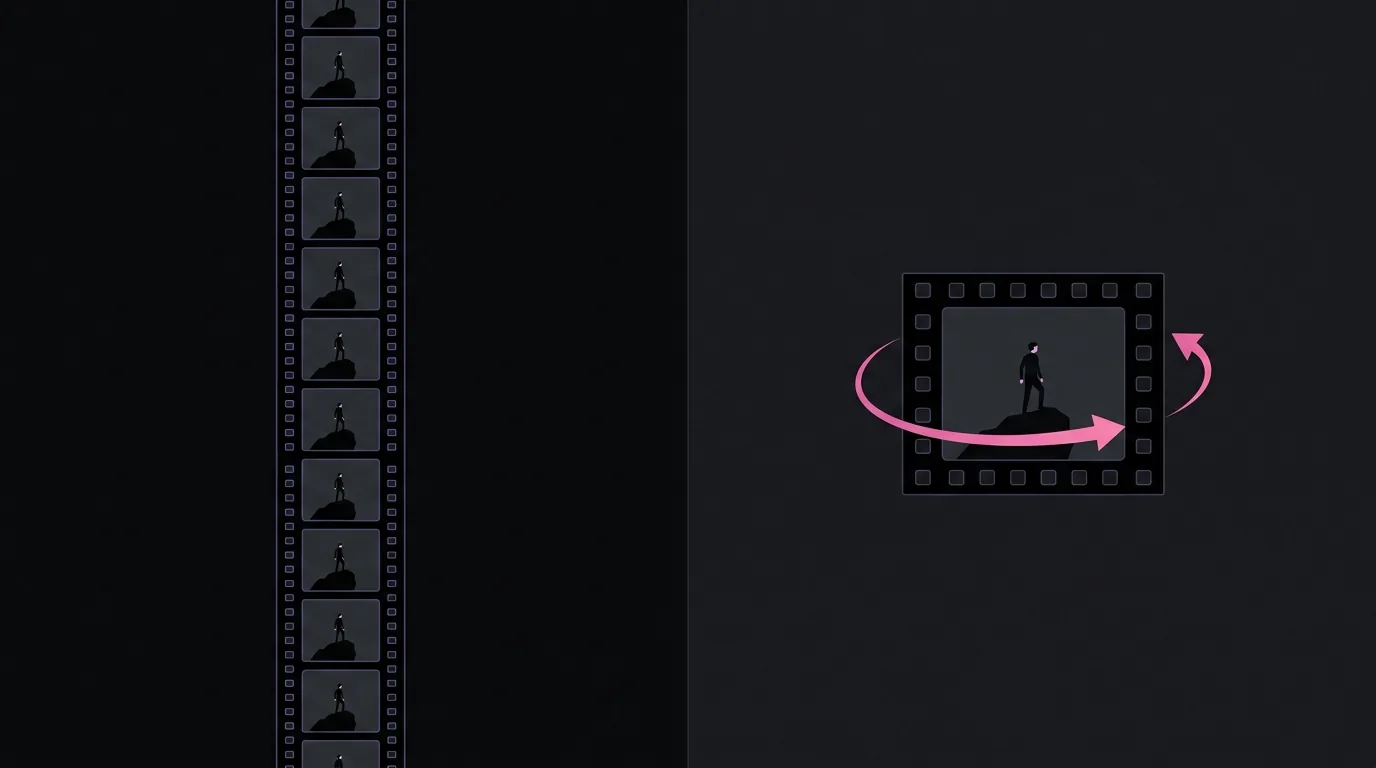
Convert five seconds of video to GIF and the "smaller" format comes out several times larger than the source. That inversion surprises people every day, and the reason is simple: GIF was never a video format.
What GIF actually is
GIF (1987) stores a sequence of full images, each limited to a 256-color palette, compressed with LZW, a generic lossless algorithm that knows nothing about motion. Video codecs like H.264 spend nearly all their bits on the differences between frames: a mostly-still shot costs almost nothing, and motion is described as movement of blocks rather than fresh pixels. GIF pays full price for every frame, every time.
| GIF | MP4 (H.264) | |
|---|---|---|
| Colors | 256 per frame | Millions |
| Inter-frame compression | None | The entire point |
| Audio | No | Yes |
| Typical size for the same clip | 5 to 20× larger | baseline |
Google's web.dev guidance, Replace animated GIFs with video, measures a real example: a 3.7 MB GIF re-encoded as 551 KB of MP4 (an ~85% reduction), which is why every major platform (including the GIF-branded ones) actually serves you looping MP4s.
So why do GIFs still exist?
Because they behave like images. A GIF autoplays anywhere an <img> tag works: READMEs, documentation, forums, issue trackers, old CMSes, email clients. No play button, no codec question, no embed permissions. In those environments a GIF is the only moving picture allowed in the room, and that's precisely when a GIF converter earns its keep.
Making GIFs that don't embarrass the format
Three settings dominate the outcome, and they're multiplicative:
- Length: size grows linearly per second. Under 10 seconds; under 6 is better. Trim first.
- Dimensions: quadratic, as always. 480 px wide is plenty for docs and chats.
- Frame rate: 12 fps reads as smooth in a small loop; 24 fps doubles the frames for marginal gain.
The quality trick that separates good converters from bad ones is the palette. Naive conversion dithers everything against one generic 256-color table; the right way (which VidClip uses) runs FFmpeg's palettegen over your actual clip and maps frames against a palette built from the colors that are really in it. Same format, dramatically cleaner output.
Sources
- Google web.dev, Replace animated GIFs with video
- FFmpeg project, documentation for palettegen/paletteuse