
H.264 vs H.265: Which Codec Should You Export?
By Mark Fulton · 2026-08-21 · 13 min read
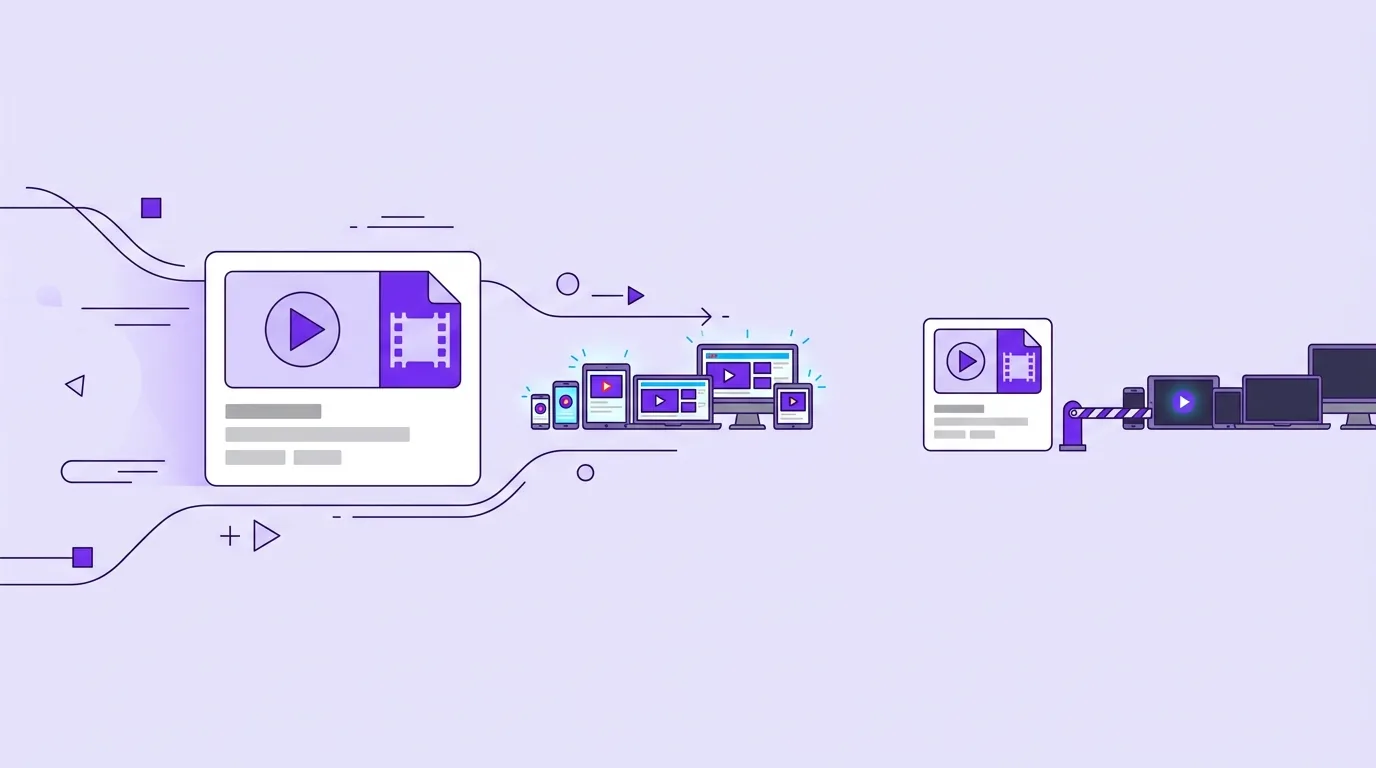
Export H.264 when the file is going to another person, another app, or an upload form. Export H.265 (HEVC) when you are keeping the file yourself and storage or bandwidth is the thing you are short of. H.265 is genuinely the better compressor: when ITU announced the standard it said the new codec "will need only half the bit rate of its predecessor, ITU-T H.264 / MPEG-4 Part 10 'Advanced Video Coding' (AVC)", a figure that came out of encoding controlled test material at matched quality rather than a promise that your holiday clip will halve. What H.265 does not have is H.264's reach. It decodes in fewer browsers, needs an add-on on some Windows machines, sends some editors into a slow proxy workflow, and gets refused or silently re-encoded by parts of some upload pipelines. The failures are quiet ones: a black frame with working audio, a file that plays on your Mac and not on the recipient's laptop. VidClip exports H.264 for exactly that reason. For a file you are about to hand to somebody else, "plays everywhere" beats "smaller".
That is the decision. The rest of this page is the reasoning, including the places H.265 breaks, what the efficiency number really measures, why your phone records HEVC anyway, and what to do with the footage you already have.
What actually differs between H.264 and H.265?
They come from the same lineage. Both were developed jointly by ITU-T's video coding group and ISO/IEC's MPEG, which is why each one carries two names: H.264 is also MPEG-4 Part 10 AVC, and H.265 is also MPEG-H Part 2 HEVC. AVC arrived in 2003 and became the format almost every camera, phone, browser and chat app learned to decode. HEVC got first-stage approval in January 2013 and is still a live, maintained standard: the ITU-T page for Recommendation H.265, "High efficiency video coding", lists a current in-force edition dated 01/26.
Both are block-based hybrid codecs. Both cut a frame into blocks, predict each block from neighbouring pixels or from other frames, and store only the difference. HEVC changes the sizes and the choices:
- Bigger, smarter blocks. AVC works in fixed 16x16 macroblocks. HEVC uses coding tree units up to 64x64 that split down a quadtree only where the picture gets complicated. A flat wall or a clear sky can be described with one large block instead of sixteen small ones, and each block carries its own overhead.
- More prediction directions. HEVC offers 35 ways to predict a block from its neighbours, where AVC's 4x4 luma prediction had nine. Edges at awkward angles cost fewer bits to describe.
- Better motion handling. Improved motion vector prediction and merge modes mean the encoder spends less on saying where a block moved to.
- An extra in-loop filter. Sample adaptive offset runs after deblocking and cleans up ringing artefacts, which mostly shows up as fewer visible blotches around hard edges at low bitrates.
- Tools built for parallelism. Tiles and wavefront parallel processing exist so decoders on many-core chips can split the work.
Every one of those is a way of spending encoder effort to save bits. That is the trade in one line: HEVC asks the machine to think harder so the file can be smaller. It is also why the gains grow with resolution. Large uniform regions are where oversized blocks pay off, and a 4K frame has far more of them than a 720p one.
How much smaller is H.265 in practice?
The honest answer has a range in it, and anyone quoting you a single percentage is quoting a test, not your file.
The canonical figure traces back to the standards bodies themselves. ITU's announcement of the standard is quoted above: about half the bit rate of AVC. MDN's codec reference puts the same claim in the careful form it deserves, saying that "theoretically, HEVC can achieve compressed file sizes half that of AVC but with comparable image quality". The word doing the work in both statements is theoretically, and the measurement behind it was made by encoding standard test sequences and comparing bitrates at matched quality, which is a laboratory condition and not a description of your camera roll.
Four things move the real number, usually downward:
- Resolution. HEVC's advantages are biggest at 4K and above and smallest on small frames. A 480p screen recording is not where a codec designed for ultra-high definition shines.
- Encoder maturity and preset. The reference H.264 encoders have had two decades of tuning. An HEVC encode on a fast preset can lose to a well-tuned H.264 encode on a slow one, because you are comparing implementations, not just standards.
- Bitrate range. The gap is widest at low bitrates, where HEVC's filtering and prediction keep detail that AVC smears. Give both codecs a generous bitrate and their outputs converge, because there was nothing left to save.
- What the source already is. Re-encoding an already-compressed H.264 file into HEVC does not recover the detail the first encode threw away. You get a smaller file with a second generation of loss stacked on the first. That is a real cost when the original was already lean.
VidClip does not ship an H.265 encoder, so we are not going to quote you an output size we never measured. What we can tell you is what our own encoder does: libx264 at CRF, 4:2:0 chroma, AAC audio, with the index moved to the front of the file so it starts playing before it finishes downloading. If you want the arithmetic that turns a target size into a bitrate you can afford, that lives in video compression by the numbers, and it applies to both codecs. Bits per second times seconds equals file size, whichever codec produced the bits.
Where does H.265 refuse to play?
This is the part the efficiency argument tends to skip, and it is the part that ruins an afternoon.
Browsers. Support exists, but it is conditional in a way AVC's is not. MDN's web video codec guide lists AVC as playing in "all versions of Chrome, Edge, Firefox, Opera, and Safari". For HEVC the same guide lists version floors and hardware conditions instead: Chrome from 107 and only where the operating system provides hardware support, Edge from 18 but requiring the HEVC video extensions from the Microsoft Store on Windows 10 1709 and later, Firefox from 120 with separate later floors per platform, Safari from 11 on macOS High Sierra and later. Support that depends on the viewer's GPU, operating system build and an optional store download is not the same thing as support.
Windows desktops. That Microsoft Store extension is the single most common cause of "it plays on my phone but not on my PC". The file is fine. The decoder is missing.
Editors. Most current editing software imports HEVC, but decoding it on a timeline is heavier work than decoding AVC, so scrubbing gets sticky and many editors push you toward generating proxies first. Older versions and lighter tools may not open certain HEVC variants at all, particularly 10-bit or 4:2:2 footage from newer cameras. When an editor says a file is unsupported, the container is rarely the problem. What is inside it usually is.
Upload pipelines. Platforms state what they want, and what they want is overwhelmingly the older codec. Google's recommended upload encoding settings for YouTube name MP4 as the container and H.264 as the video codec, with AAC-LC audio. Chat and social apps re-encode nearly everything you send them, so handing them an exotic file gains you nothing and risks a rejection or a mangled result.
Older hardware. Smart TVs, set-top boxes, car head units, projectors and cheap media players decode what their chip was built to decode. An H.264 file from 2011 still plays on almost all of them.
Here is the same comparison as a table, with the failure mode for each row spelled out.
| What you are comparing | H.264 (AVC) | H.265 (HEVC) | Where each one breaks |
|---|---|---|---|
| Compression efficiency | The baseline everything else is measured against | Roughly half the bitrate at matched quality in standards-body testing, less than that on short, small, or already-compressed clips | H.264 costs you storage and bandwidth on long 4K material. H.265's advantage shrinks at low resolution, high bitrate, or on a fast preset |
| Encode time | Fast, extremely well optimised, hardware encoders everywhere | Meaningfully more work per frame for the same encoder effort level, though hardware encoders hide much of it | H.264 on a slow preset is still quicker than H.265 on the equivalent one. H.265 in pure software on a laptop is where people give up waiting |
| Browser playback | Every current browser, per MDN | Version floors plus operating system and hardware conditions per browser | H.264 has essentially no gap. H.265 fails silently: the page loads, the video does not, and nobody tells the viewer why |
| Editor support | Universal, and light to scrub | Widely imported, heavier to decode, proxies often recommended, 10-bit and 4:2:2 variants are the sharp edges | H.264 High 10 profile trips up some tools too. H.265 more often turns into a proxy workflow before you can cut anything |
| Upload acceptance | The codec platform documentation asks for, including YouTube's own recommended settings | Accepted by many platforms, re-encoded by most, occasionally rejected outright by older or stricter pipelines | H.264 gets re-encoded too, so send a clean, generous-bitrate file. H.265 risks a failed ingest for a saving the platform discards anyway |
| Licensing | Patented, pooled, with no fee for free-to-end-user internet video under the Via LA terms MDN describes | Patented across several pools. MDN notes fees are charged to developers rather than to content producers and distributors | Neither is royalty-free. H.265's more fragmented licensing is a large part of why browser and OS vendors were slow to ship decoders at all |
Read that table as one message. On five of six rows, H.264 is either equal or safer, and H.265 wins the row that only matters when you are the one storing the file.
Why do phones record HEVC by default?
Because on a phone, every one of the objections above disappears.
The encoder is in silicon, so the extra computation is close to free and does not burn battery the way a software encode would. The storage saving is real and immediate on a device where you cannot add a drive. And the file is going to be viewed, at first, on the same device or inside the same ecosystem that recorded it.
Apple makes the trade explicit rather than hiding it. In Settings, Camera, Formats, the choice is between High Efficiency and Most Compatible, and Apple's own guide to using HEIF and HEVC media on Apple devices states that choosing Most Compatible makes all new photos and videos use JPEG or H.264 instead. Support for the efficient formats is built into iOS 11 and later and macOS High Sierra and later. Android flagships took the same road for the same reasons, and on both platforms some capture modes, 4K at high frame rates and HDR in particular, exist only as HEVC.
None of this is a mistake on the phone's part. It becomes a problem exactly one step later, when the file leaves the ecosystem that produced it. That is the moment to change codec, not before, because until then you are storing the efficient version and losing nothing.
Which should you export for sending, archiving, or uploading?
Split the decision by destination and it stops being an argument about codecs.
Sending it to a person. H.264 in an MP4, 4:2:0 chroma, AAC audio, faststart enabled. The recipient's device, chat app, mail client, browser and TV all decode it without an extension, a plugin or a conversation. If size is the problem, solve it with resolution and quality settings rather than by switching codec, because a 720p H.264 file that plays is worth more than a 1080p HEVC file that does not.
Archiving your own footage. Keep the camera original if you have the space. If you do not, HEVC is a reasonable archive codec, and it is where the efficiency claim earns its keep, on long high-resolution material you will store for years and watch on your own hardware. Just remember that every re-encode is lossy, so archive from the master rather than from an export.
Uploading to a platform. Follow the platform's published recipe, which almost always names H.264 MP4, and give it more bitrate than you think it needs. The platform is going to re-encode your upload into its own delivery ladder regardless, and the quality of that re-encode depends on the quality of what you handed it. Compressing hard before uploading is the classic own goal: you throw detail away, then the platform's encoder throws away more from what is left.
Editing. Whatever you shot, transcoding to an all-intra or lightly compressed intermediate makes the timeline responsive. That is a separate decision from your delivery codec, and it is the one case where a bigger file is the right answer.
If you would rather not hand any of these files to a server to make the change, you do not have to. The mechanics of running FFmpeg locally in a browser tab, and what that costs in speed, are covered in editing video without uploading it anywhere.
What about AV1 and VP9?
They are the reason the H.264 versus H.265 question is smaller than it looks.
VP9 is royalty-free and is what a lot of streaming is already delivered in, with browser support that HEVC never achieved. AV1 is the current royalty-free flagship, compresses better than HEVC, and now has hardware decode in recent phones, GPUs and streaming devices. Both are excellent delivery codecs for a platform with an encoding farm and a player it controls.
Neither is a good answer to "what should I export before I send this to my colleague". AV1 software encoding is slow, hardware AV1 encoders are still far from universal, and playback support on the random device at the other end is a coin flip. Codec generations get adopted from the delivery side inward, and the last place they arrive is the file you attach to a message. The safe export codec has been H.264 for a long time, and the thing that eventually replaces it will be royalty-free, which is a large part of why HEVC never took the crown.
Frequently asked questions
Is H.265 always better than H.264?
No. It is more efficient, which is one axis. On compatibility, encode time and licensing simplicity, H.264 is ahead, and its efficiency deficit only costs you when files are large, long and high resolution. For a clip you are sending to someone, H.264 is usually the better choice even though it produces the bigger file.
Why won't my HEVC file play on Windows?
Almost always a missing decoder rather than a broken file. HEVC playback on Windows commonly depends on the HEVC video extensions from the Microsoft Store, and MDN's codec guide notes that Edge support requires exactly that on Windows 10 1709 and later. The symptom is characteristic: audio plays, the picture stays black, or the player reports an unsupported format on a file that plays fine on your phone. Converting a copy to H.264 sidesteps the problem permanently and is the right fix when the file needs to reach several machines you do not control.
Does H.265 take longer to encode?
Yes, when the encoding happens in software. HEVC asks the encoder to evaluate far more block partitions and prediction modes per frame, and that work has to happen somewhere. Hardware encoders in phones and modern GPUs absorb most of the cost, which is why a phone records HEVC in real time without complaint while the same encode on a laptop CPU can take several times longer than the equivalent H.264 pass.
Should I convert my HEVC phone videos to H.264?
Convert copies, keep originals. The HEVC master is the smaller, higher-fidelity version, so there is no reason to destroy it. Make an H.264 copy at the moment a file has to leave your ecosystem: sending it to someone on a different platform, importing into an editor that struggles with it, uploading somewhere that asks for H.264, or putting it on a page for other people to watch. If storage is tight and you are deleting one of the two, delete the H.264 copy after it has done its job.
Got HEVC footage that needs to open on somebody else's machine? Convert it to an H.264 MP4 in the browser. The file is read from your disk into the page and processed on your own CPU, so nothing uploads and nothing sits in a queue. If the result also needs to be smaller, the in-browser compressor takes it the rest of the way.