
WebM vs MP4: Which One Should You Keep?
By Mark Fulton · 2026-09-01 · 13 min read
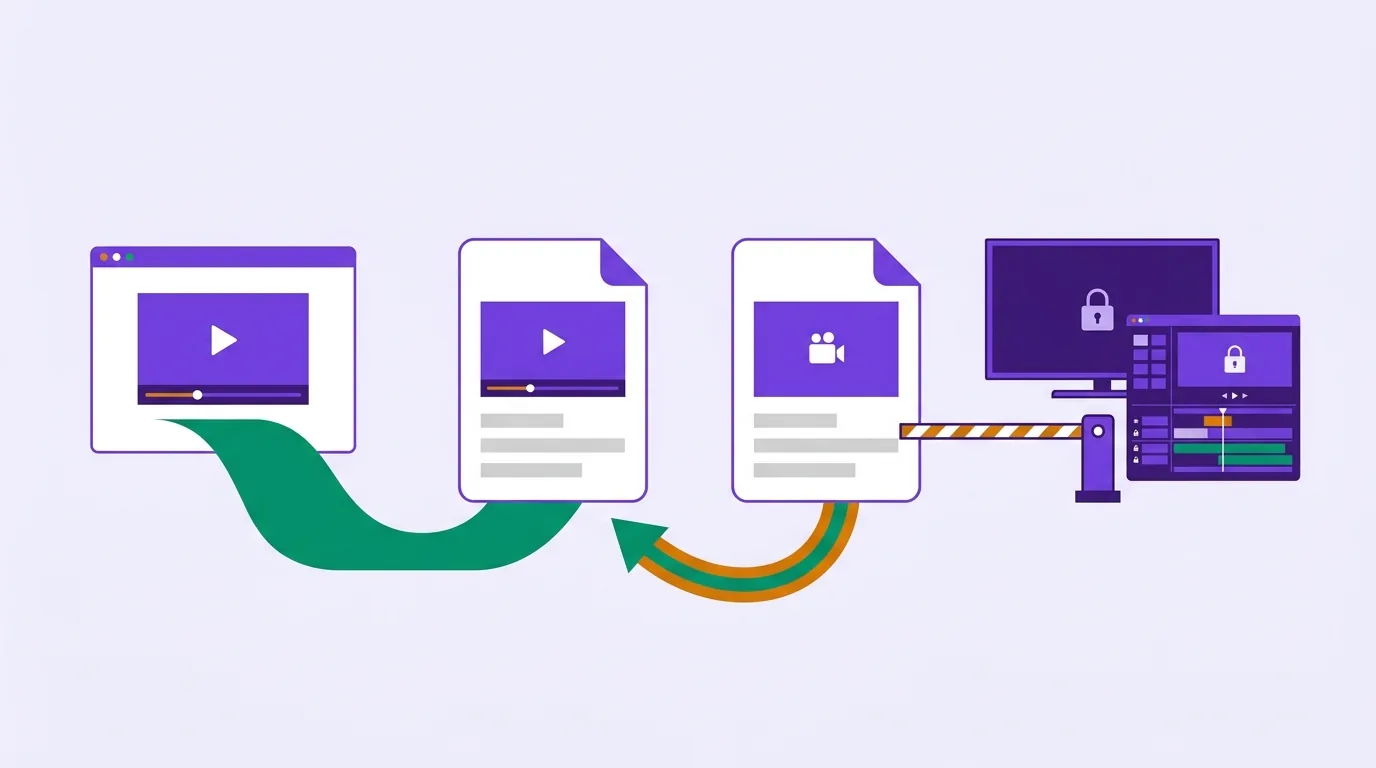
Keep the MP4. WebM is the better format for exactly one job, serving video on a web page you control, and MP4 is the better format for every other job you are likely to have: opening the file in an editor, sending it to somebody, playing it on a TV, or keeping it somewhere you can still use it in five years. WebM is a container based on Matroska that normally holds VP8, VP9 or AV1 video with Vorbis or Opus audio. MP4 conventionally holds H.264 or H.265 with AAC. Every browser plays both containers, which is why WebM feels universal right up until you leave the browser, and then it is not. Apple's own list of the formats Final Cut Pro can import does not mention WebM, VP8 or VP9 anywhere on it. If a WebM landed on your disk from a download or a screen recorder and something downstream refuses it, converting to an H.264 MP4 is the fix, and it will re-encode, because in almost every real case the codec inside that WebM is not one an MP4 can usefully carry.
That is the short version. Below is the reasoning, including one thing most comparisons get backwards: the file-size argument is far weaker than it is usually presented, and the compatibility argument is far stronger.
What is WebM and where did your file come from?
WebM is not a codec. It is a container, a wrapper that says how video, audio and timing data sit next to each other in one file. MDN's media container reference describes it as "a format based on Matroska which is designed specifically for use in modern web environments", introduced in 2010, and notes that compliant implementations are required to support the VP8 and VP9 video codecs and the Vorbis and Opus audio codecs. AV1 is carried in WebM too, and is supported in every current browser.
The reason the format exists is licensing, not engineering. The WebM Project describes WebM as "an open, royalty-free, media file format designed for the web", open-sourced under a BSD-style licence. MP4 and H.264 are patented and pooled. That difference is why a second container was pushed into existence at all, and it is why the web is the one place WebM won.
You almost certainly did not choose it. WebM files arrive from four places:
- A browser recording. Anything captured with
MediaRecorder, which covers most in-browser screen recorders and a lot of web conferencing tools, defaults to WebM on Chrome and Edge. - A download. Video pulled from a site with a downloader often comes down as a WebM, because that is the stream the site was serving.
- An export from a web app. Some browser-based editors and animation tools output WebM because it is what the browser can encode natively.
- A deliberate web export, where somebody built a page and wanted the smaller file.
Only the fourth case is a choice. The other three are a default, and defaults are why so many people end up holding a file their editor will not open.
Which is actually smaller at the same quality?
You will see a single percentage quoted for this constantly. Treat every one of them as a description of somebody's test clip, not of your file.
Here is what the documentation actually claims, which is more modest than the marketing. MDN's web video codec guide says VP8 is "comparable to AVC" in quality and compression rate. For VP9 it says the encoded video quality "is comparable to that of HEVC at similar bit rates", with encoding and decoding performance comparable to or slightly faster than AVC but better quality. AV1 is the one with a real gap: MDN says it "achieves higher data compression rates than VP9 and H.265/HEVC, and as much as 50% higher rates than AVC".
So the honest ranking is that VP8 is roughly a wash against H.264, VP9 is meaningfully better, and AV1 is better again. None of that tells you what your file will do, because that depends on what your file already is.
I measured one. The source was a 20 second cut, 1920x1080 at 30 fps, video track only, stream-copied out of an existing H.264 MP4 so the reference was exactly the kind of file a person would be holding. It came to 2.33 MB. Then I encoded it with FFmpeg 8.1.2, using the exact libx264 settings VidClip's converter uses in the browser, and with libvpx-vp9 at three quality levels. SSIM against the source is a rough fidelity proxy, where higher is closer:
| Encode | Settings | Size | SSIM vs source |
|---|---|---|---|
| Source segment | H.264, stream copied, no re-encode | 2.33 MB | 1.0 by definition |
| MP4 (H.264) | libx264, veryfast, CRF 21 | 1.16 MB | 0.99702 |
| WebM (VP9) | libvpx-vp9, speed 2, CRF 32 | 0.78 MB | 0.99571 |
| WebM (VP9) | libvpx-vp9, speed 2, CRF 28 | 0.98 MB | 0.99623 |
| WebM (VP9) | libvpx-vp9, speed 2, CRF 20 | 1.53 MB | 0.99688 |
Read those rows carefully, because they do not say what you expect. Yes, VP9 produced a smaller file at a slightly lower fidelity score. But when I pushed VP9 up toward the H.264 encode's score, it needed 1.53 MB to reach 0.99688, and H.264 hit 0.99702 in 1.16 MB. On this clip, at matched measured quality, the WebM was the larger file.
Three caveats, stated plainly, because this is one clip and not a law of nature. The source was already H.264, which favours re-encoding to H.264, since the second encoder is preserving artefacts it recognises. SSIM is a proxy and not an eye. And libvpx at speed 2 is not the slowest, most efficient setting VP9 can run at. Push any of those the other way and VP9 will look better.
The point survives anyway. "WebM is 30% smaller" is a claim about somebody's test material, and your file is not their test material. If you want the arithmetic that does predict output size, it is bitrate times duration, and it is laid out in video compression by the numbers. That maths applies to both containers, because containers do not compress anything. Codecs do.
Where does WebM refuse to open?
This is the axis that matters and the one streaming guides skip, because a CDN vendor's reader is publishing video, not trying to cut it.
Editors are the big one. Apple publishes a list of the media formats supported in Final Cut Pro. Checked on 1 September 2026, the container formats it names are 3GP, AVI, MOV, MP4, MTS/M2TS and MXF, and the video formats are things like H.264, HEVC, ProRes, AVCHD and XAVC. WebM is not on it. Neither is VP8 nor VP9. Other editors vary, and some import WebM happily, but a professional editing suite quietly declining to list the format at all tells you where WebM sits in that world.
Hardware outside the browser. Smart TVs, set-top boxes, car head units, projectors, older phones and cheap media players decode what their chip was built for, and that is overwhelmingly H.264. VP9 hardware decoding is, in MDN's phrasing, "fairly common", which is a very different statement from H.264's, which plays in all versions of every major browser and in essentially every consumer device made in the last decade. Common is not universal, and you find out which one you had at the worst possible moment.
Upload forms. Some accept WebM, some do not, and the ones that do usually re-encode it anyway. YouTube is the well-documented case: its supported file formats page, checked on 1 September 2026, lists WebM among the formats it accepts. Most other platforms publish shorter lists and revise them without notice, so check the platform's own help page rather than a blog post, this one included.
Native desktop apps. A lot of older software, plenty of default media players and most corporate viewers were built around MP4 and MOV. Double-clicking a WebM on an unfamiliar machine is a coin toss. Double-clicking an H.264 MP4 is not.
Here is the whole comparison in one place, with the verdict on each row.
| WebM | MP4 | Which one to keep | |
|---|---|---|---|
| Browser playback | Every current browser, per MDN's container reference | Every current browser | Tie. This is the row WebM was designed to win, and it does not win it, it draws |
| Editor support | Absent from Apple's Final Cut Pro supported formats list; support elsewhere is patchy and version-dependent | Universal, and the container every editor's documentation assumes | MP4, decisively, if the file is going anywhere near a timeline |
| Social and platform uploads | Accepted by some, including YouTube per its own formats page; refused or silently re-encoded by others | The format platform documentation asks for | MP4 whenever you will not be there to retry a failed upload |
| Hardware decoding | VP9 hardware decoders are fairly common; AV1 decoders are newer and device-dependent | H.264 decodes in hardware on essentially everything consumer | MP4 for TVs, older phones, car displays, anything that is not a modern browser |
| File size at matched quality | VP9 and AV1 are genuinely efficient codecs, though the margin over a well-tuned H.264 encode is smaller than headline numbers suggest | H.264 is the baseline everything else is measured against | WebM, but only when you serve the file yourself and bandwidth is the cost you are paying |
| Transparency | VP8 and VP9 in WebM can carry an alpha channel, though MDN notes Safari does not support alpha transparency in either | A standard H.264 MP4 has no alpha channel | WebM, and this is the one genuinely unique capability on the table |
| Licensing | Open and royalty-free, per the WebM Project | Patented and pooled | WebM if that matters to you, which for a personal file it usually does not |
Read the right-hand column as one message. WebM wins two rows, and both of them are publisher problems. If you are the publisher, keep both and let the browser choose. If you are a person with a file, the MP4 is the copy that will still work.
Can you convert WebM to MP4 without re-encoding?
Sometimes, and it is almost never worth it. This is the question the converter pages dodge, so here is the actual mechanism.
A conversion that changes only the wrapper is called a remux, or a stream copy. It rewrites the container around the existing compressed data without touching a pixel, so it is instant and completely lossless. It is only possible when the target container can legitimately carry the codec that is already inside. That is a codec question, not a file extension question.
MP4 can carry VP9. The WebM Project publishes the VP Codec ISO Media File Format Binding that specifies exactly how, and MDN lists MP4 among VP9's supported containers. MP4 cannot carry VP8. I tested both with a five second clip encoded each way:
- VP9 video with Opus audio, stream copied into MP4: succeeded, instantly, and the output probes as a valid MP4 holding a VP9 video track and an Opus audio track.
- VP8 video with Vorbis audio, stream copied into MP4: failed outright, with FFmpeg reporting it could not find a tag for codec vp8 because that codec is not supported in the container.
So the VP9 case works. Here is why it usually does not help. Whatever rejected your WebM rejected the codec, not the extension. An editor that cannot decode VP9 will not suddenly decode it because you changed the wrapper to .mp4. A TV without a VP9 decoder is still a TV without a VP9 decoder. What you will have produced is a file that misrepresents itself, which is worse than the file you started with, because now the failure is confusing instead of obvious.
The same trap catches the audio side. Opus can sit in an MP4, and MDN lists it among MP4's supported audio codecs, but Vorbis cannot, so a Vorbis soundtrack has to be re-encoded to AAC regardless of what you do with the video.
The honest conclusion: if a WebM is not working, what you want is a real conversion to H.264 and AAC. That genuinely re-encodes and genuinely costs you a generation of quality, and it is the correct trade, because a marginally softer file that opens beats a pristine file that does not. The reverse logic applies to MOV files, where a rewrap often is the right answer, and converting MOV to MP4 walks through diagnosing which case you are in.
Which format should you keep as your master?
Keep whichever file is closest to the original recording, and keep it in a form things can read.
- You recorded it yourself and the recorder made a WebM. That WebM is your master. Do not throw it away. Convert a copy to MP4 for editing and sending, and archive the original, because every conversion after this one is a second generation.
- You downloaded a WebM. It was already compressed once before it reached you. Convert to MP4 at a generous quality setting and keep that. There is no purer version for you to protect.
- You are publishing to a web page you control. Serve both. Put the WebM first in the
<video>element's source list and the MP4 after it, and every browser takes the one it prefers. This is the case where WebM earns its place. - You need transparency over a page background. Keep the WebM. It is the only option on this list that can do it, with the caveat that Safari will not honour the alpha.
- Everything else. Keep the MP4. Editors, phones, TVs, chat apps, clients and future-you all read it without asking questions.
If you want a codec-level view of what should be inside that MP4, H.264 vs H.265 covers why the older codec is still the right export for a file you are about to hand to somebody else.
When you are ready to make the conversion, you can convert WebM to a universal MP4 here. It runs FFmpeg compiled to WebAssembly inside your browser, so the file is read from your disk into the page and processed on your own CPU. Nothing uploads and there is no queue. The output is H.264 video at CRF 21 with AAC audio and the index moved to the front of the file, which is the combination that plays on the widest range of hardware there is. The free tier takes files up to 200 MB and puts a small mark in the corner of video exports. Pro removes both.
FAQ
Is WebM better quality than MP4?
Neither container has a quality. The codec inside it does. A VP9 WebM and an H.264 MP4 at the same bitrate will look close, with VP9 usually slightly ahead, and MDN puts VP9's quality as comparable to HEVC at similar bit rates. An AV1 WebM will beat both. But a badly encoded WebM will look worse than a well encoded MP4 every time, and in the measurement above VP9 needed more bits than H.264 to reach the same SSIM score on that particular clip. Judge the encode, not the extension.
Why won't my WebM file open?
Because the application does not have a VP8, VP9 or AV1 decoder. Browsers all ship one, which is why the same file plays perfectly when you drag it into a browser tab and fails in your editor or media player. Apple's Final Cut Pro format list, for instance, does not include WebM or the VP codecs at all. Dragging the file into a browser window is a fast way to confirm the file itself is intact, before you go hunting for a corruption that was never there.
Does converting WebM to MP4 lose quality?
Yes, in the normal case, because the codec has to change. VP8, VP9 or AV1 video gets decoded and re-encoded as H.264, and Vorbis or Opus audio gets re-encoded as AAC. That is one generation of loss. At a sensible quality setting it is not something you will notice on a screen recording or a downloaded clip. The one exception is a VP9 WebM remuxed into an MP4 wrapper, which is lossless but leaves the same undecodable codec inside, so it rarely solves the problem you actually had.
Can I upload WebM to social platforms?
Some accept it and some do not, and the ones that accept it re-encode it into their own format anyway. YouTube's supported formats page listed WebM when I checked it on 1 September 2026. Other platforms publish their own lists and revise them without announcement, so read the platform's own help page rather than trusting any guide, this one included. If you only want the upload to work first time, send an H.264 MP4. It is the format every platform's documentation is written around, and you lose nothing by handing it over, because the platform was going to re-encode your file regardless.